Instant launch
Download the app, sign in, and click connect. Your server is ready to share in minutes, without touching your router.
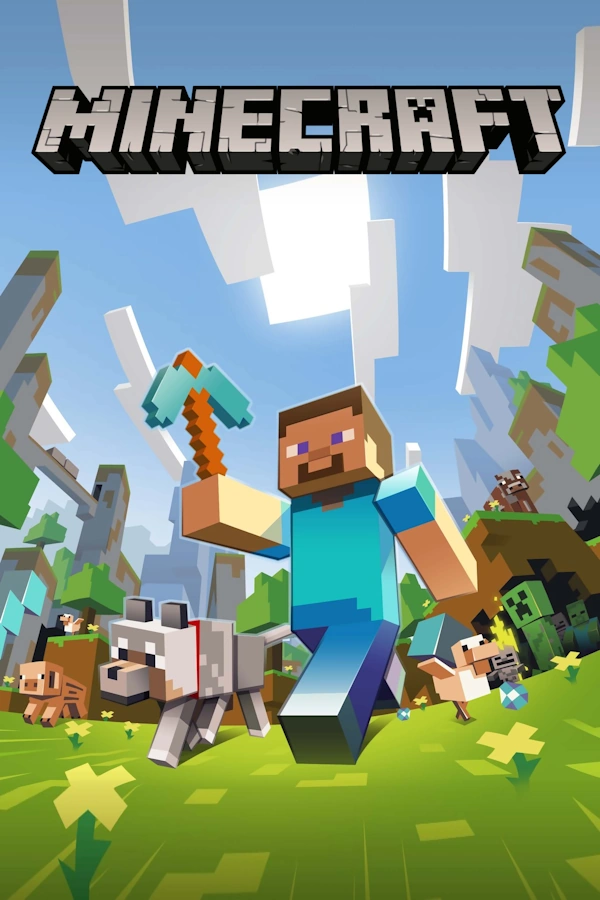
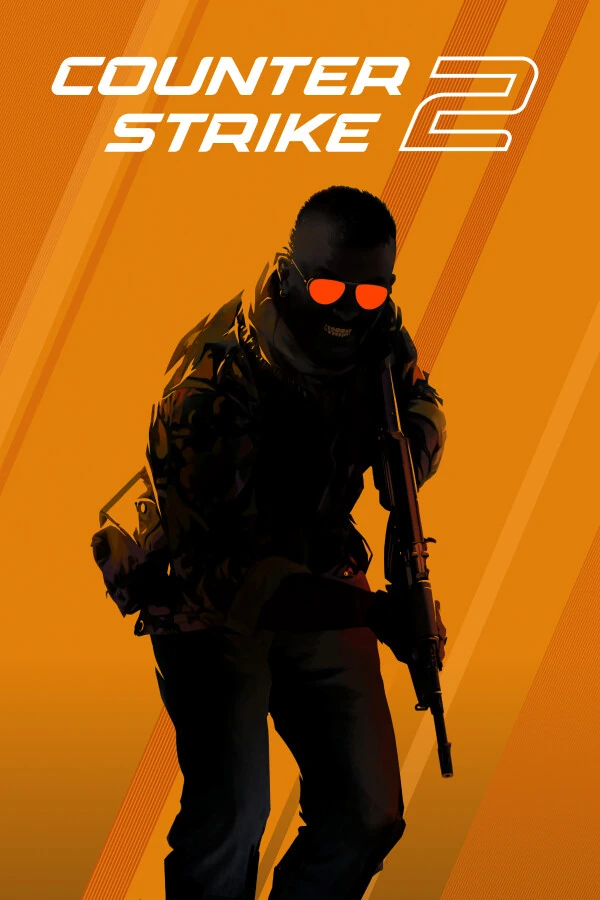
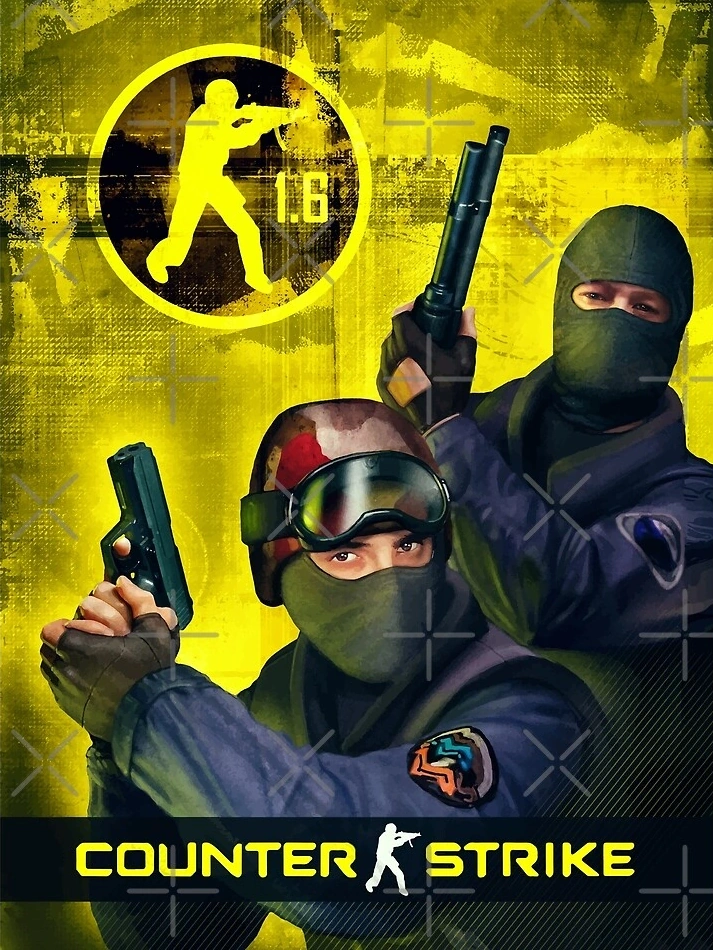
Launch Minecraft, CS 1.6, CS2, Valheim, Rust, and other games. Use a ready-made preset or your own TCP/UDP ports — no public IP, router setup, or Hamachi.

No router headaches, no public IP, no complicated setup
Download the app, sign in, and click connect. Your server is ready to share in minutes, without touching your router.
Encrypted tunnels protect traffic in transit. Players connect through a PortPlay address instead of seeing your home network directly.
Designed for responsive online play. Latency depends on your location and selected node, with a setup optimized for smooth sessions with friends.
Native Windows app with tray support. It stays out of the way and automatically reconnects if the link drops.
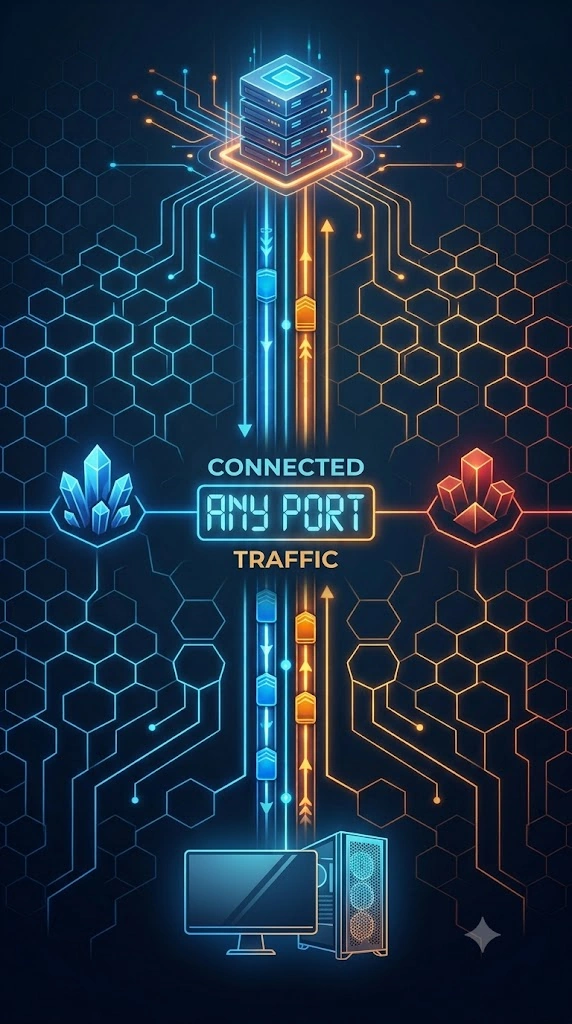
Set the ports you need. Simple Voice Chat, Geyser, and other plugins that require an extra TCP or UDP port work too.
Track current usage in real time and review your tunnel history, sessions and active connections.
No advanced networking knowledge required
Get the PortPlay installer for Windows. Setup takes less than a minute.
Create an account or continue with Google. Getting started is fast and free.
Use a ready-made game preset or enter your own TCP/UDP ports. PortPlay creates the tunnel for you.
Copy the address and share it. Your friends join just like they would on a regular public server.
Choose a game from the list or forward any TCP/UDP port manually
Reviews from people who have hosted a server with PortPlay
"Finally a tool that actually works. Hamachi was too complicated for my friends, and my ISP has CGNAT so I couldn't port forward. PortPlay got our Minecraft server up in literally 2 minutes. Highly recommend!"
"Valve killed local servers in CS2, so practicing with my team was impossible. We found this tool, and now I just host a dedicated server on my PC and give my friends the IP. Latency is amazing!"
Works as advertised. Used it to forward my local Minecraft server. Low latency, stable connection. Simple interface - server detected automatically. Launched it, got an IP, and my buddies were online in seconds. Reliable tool for quick gaming with friends. Will use again.
"I used to spend hours trying to bypass my router's firewall for Terraria. With PortPlay, I literally just clicked connect and sent the IP to my friends on Discord. Way better than Ngrok."
"Works exactly as advertised. Got tired of network errors and VPNs. This is much cleaner and doesn't require my friends to sign up or download anything."
"My university blocks port forwarding on their campus network. With PortPlay I can finally host a dedicated server straight from my dorm room without tweaking any settings. Absolute game changer!"
Start free and scale up whenever you need more performance
Activate the plan inside PortPlay after installation.
Activate the plan inside PortPlay after installation.
If you cannot find the answer, contact us
Choose a ready-made game or enter your own TCP/UDP ports. No public IP, router setup, or software for your friends.